
Understanding The Forex Funder: Pros and Cons
Discover how The Forex Funder supports South African forex traders with funded accounts 🌍, plus key tips, risks, entry rules, and how to boost success 📈.
Edited By
Henry Davies
Forex trading demands sharp focus and reliable tools. Your laptop isn't just where you glance at charts; it’s your trading desk, news feed, and sometimes your lifeline when markets shift quickly. Picking the right laptop matters more than many traders realise—it affects your speed, multitasking, and ultimately your ability to lock in profits or limit losses.
South African traders face unique challenges like data costs and scheduled loadshedding, so your laptop choice needs to align with these realities. Look for gear that balances performance, battery life, and portability to keep you nimble whether you're at home in Johannesburg or on the go in Cape Town.
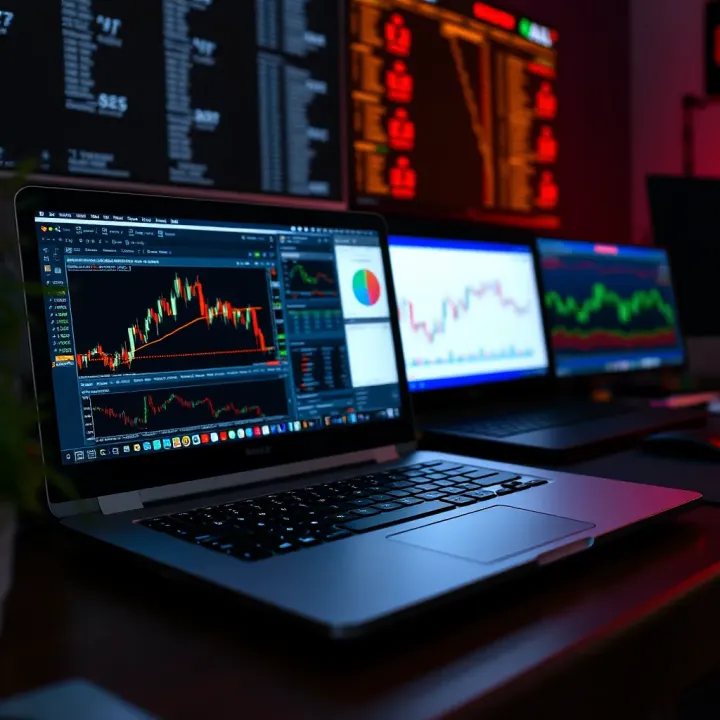
Here’s a quick rundown of what to keep in mind right off the bat:
Processor power: A strong CPU handles heavy software and rapid data streams without freezing.
RAM: Enough memory is key to managing several apps without slowing down.
Display quality: Sharp, clear screens help you spot trends and details with ease.
Battery life: Essential to counter local power interruptions.
Storage type and size: SSDs offer faster boot and load times than traditional HDDs.
As we move forward, these elements will feature heavily in choosing a laptop suited for forex trading. We'll examine how each affects your trading setup and look at options across different budgets, helping you make a smart call without shelling out too much.
Ultimately, your trading laptop should complement your strategy and lifestyle—not hold you back. After all, you’re in the business of seizing opportunities ahead of the pack.
When picking a laptop for forex trading, focusing on core features matters as much as the price tag. Your laptop is your frontline tool for reacting to market movements, analysing charts, and executing trades promptly. Important specs like processor speed, memory, and screen quality directly affect how smoothly software runs and how clear your data looks, which can make or break those split-second decisions.
A solid processor lies at the heart of dependable trading laptops. Typically, you want at least an Intel Core i5 (10th generation or newer) or an AMD Ryzen 5 equivalent. These processors handle multitasking with trading platforms like MetaTrader 4 or 5, plus web browsers and charting tools without lagging. For traders running multiple indicators or automated bots, a faster processor with four to six cores makes a big difference.
While speed is king, energy efficiency is equally important, especially if you often trade away from your desk. Modern processors strike this balance by dynamically adjusting power use, helping laptops run cooler and conserve battery. For example, Intel's 11th Gen chipsets and AMD's Ryzen 5000 series offer impressive performance without gulping down the juice, extending trading hours when you rely on battery alone.
Running trading platforms alongside other apps demands enough memory to avoid slowdowns. A minimum of 8GB RAM is recommended; it keeps platforms responsive when you open charts, news feeds, and browser tabs together. If your style involves heavy charting or running multiple programs, 16GB RAM is ideal to prevent freezing or crashes.
Storage type impacts how quickly your laptop boots and loads applications. Solid State Drives (SSD) outperform traditional Hard Disk Drives (HDD) sharply in speed and durability. For forex trading, an SSD of at least 256GB ensures that software launches instantly, charts refresh smoothly, and files save quickly—critical when markets shift fast. HDDs may offer more storage but at the cost of slower data access.
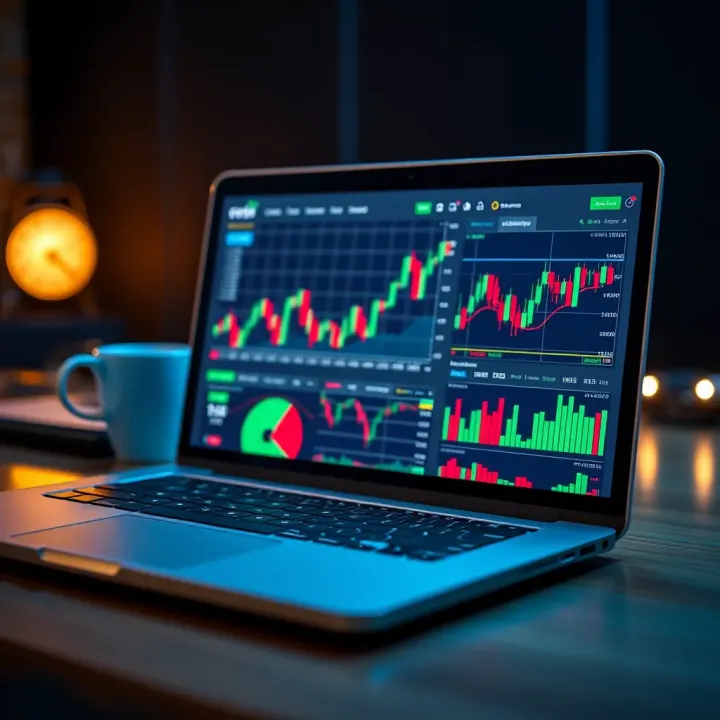
Clear, detailed displays help traders spot trends and patterns easily. Aim for a laptop with a Full HD (1920 x 1080) resolution minimum, so you get sharp charts and readable fonts without eye strain. A 14 to 15.6-inch screen generally hits the sweet spot—large enough for multi-window layouts but still easy to handle.
Traders who work on the move need a lightweight, compact machine with solid battery life. Look for laptops offering at least six hours of real-world battery use under trading loads. This avoids scrambling for plugs during commutes or when power cuts hit. For example, models like the Dell XPS 13 or Lenovo ThinkPad X1 Carbon combine sleek design, extended battery, and dependable performance—a strong fit for South African traders facing loadshedding or remote locations.
Keep in mind, the best laptop balances power, speed, and portability. Picking the right combo depends on your trading style, budget, and whether you sit at a desk or need flexibility to trade anywhere.
A trader’s laptop is only as good as the software it runs and the connectivity it supports. Matching your trading platforms to your device while ensuring stable internet access prevents frustrating interruptions that could cost you opportunities in volatile markets.
Most South African traders lean heavily on platforms like MetaTrader 4 and 5, or TradingView for charting and analysis. MetaTrader, widely used among retail forex traders, demands moderate system resources but benefits from a fast processor and adequate RAM (at least 8GB) for smooth operation. TradingView is largely web-based and accessible via modern browsers, which makes it lighter on hardware but more dependent on reliable internet.
Besides these, some pros might use more specialised software like cTrader or NinjaTrader that can be more resource-intensive with chart updates and automated scripts. The key here is to verify the minimum and recommended system requirements for your preferred platform. That way, you avoid bottlenecks during intense trading sessions, like when you’re monitoring multiple currency pairs or testing strategies live.
When it comes to operating systems, Windows remains the sure bet for most trading software compatibility. Nearly all Forex platforms, including MetaTrader and TradingView, function seamlessly on Windows 10 or 11. macOS is supported by TradingView well enough, and MetaTrader runs too, but sometimes requires third-party workarounds or virtual machines, which can introduce lag or complications.
Linux, while stable and lightweight, tends to lack native support for popular trading platforms. Only a handful of traders with technical skill opt for Linux, often running Windows apps through compatibility layers, which isn’t ideal for live trading where reliability counts.
A stable internet connection is the backbone of forex trading. Traders must weigh Ethernet versus Wi-Fi based on their environment. Ethernet connections offer more consistency and lower latency, which is critical when every millisecond counts during opening or closing trades. For example, a trader working from a Johannesburg office often gets better execution speeds plugged straight into a router.
Wi-Fi, while more flexible and convenient for mobile traders or those working from home, is prone to interference and signal drops, especially in dense urban areas or busy households. A good router placed close to your trading setup and using 5GHz frequency bands can help mitigate this.
South African traders face an extra challenge with loadshedding interrupting both power and sometimes fibre connections. Incorporating mobile data as a backup becomes essential—setting up your laptop to switch seamlessly to a mobile hotspot from your cellphone can keep your trades live when Eskom switches off the lights. Apps from Vodacom, MTN, and Telkom offer reasonably priced data bundles, so it’s wise to have this safety net in place.
Without reliable software compatibility and solid internet connections, even the best laptop won't save you from losing crucial trading moments.
In short, match your laptop choice not just to hardware specs but to your trading software’s demands and build in flexible internet options to keep your setup resilient in South Africa's challenging connectivity landscape.
Choosing the right laptop depends heavily on your trading style and budget. Not all traders have the same demands—beginners usually need something straightforward, while active retail traders and professionals look for more power and multitasking capabilities. Understanding these differences helps avoid overpaying or ending up with a machine that holds you back.
Affordable options with decent specs offer a practical starting point for traders who’re just getting into forex. These laptops typically cost between R5,000 and R9,000 and come with processors like Intel Core i3 or AMD Ryzen 3, paired with around 4GB to 8GB of RAM. For running one or two trading platforms, such as MetaTrader 4 or TradingView, and handling basic charting, these specs usually suffice.
What compromises to expect include slower processing times during heavy multitasking or running multiple browser tabs. Storage tends to be smaller, often a 256GB SSD or a traditional HDD, which impacts loading speeds. Battery life and build quality may also be basic, so if you're trading on the go or during loadshedding, these laptops might require plugging in more often. Still, for starting out, they provide solid entry points without breaking the bank.
Here, the focus shifts to finding a balance between performance and cost. Laptops in the R10,000 to R18,000 range usually come with Intel Core i5 or Ryzen 5 processors and 8GB to 16GB RAM. This helps traders who actively monitor multiple currency pairs and run heavier applications or use several browser windows alongside their trading platform.
Regarding models popular among South African traders, brands like Dell Inspiron, HP Pavilion, and Lenovo ThinkBook often win favour. These machines strike the right chord with their reliability, decent graphics cards, and better battery management that suits well-timed trading sessions and occasional mobility. They are sturdy enough to keep up during sudden spikes in market action without freezing or lagging.
Professional traders who demand top performance and multi-screen setups need laptops with powerful CPUs like Intel Core i7 or i9, or AMD Ryzen 7 and above, with at least 16GB RAM or more. These laptops also support external monitors via HDMI or DisplayPort, crucial for analysing multiple charts and news feeds simultaneously. A good example is the Dell XPS or Lenovo ThinkPad X1 Carbon, both renowned for performance and display quality.
Worthwhile investments for serious traders are machines built to handle high-frequency trading, running automated scripts, or operating sophisticated software like NinjaTrader or cTrader. These devices have fast SSDs for quick data access and can sustain long hours without throttling performance. Though pricier—often starting around R25,000—the stability and speed gain can improve trading efficiency, which pays off over time.
When choosing your laptop, weigh your trading habits against your budget. A well-matched machine can save headaches and even money while improving your market responsiveness.
Selecting wisely means you'll get smooth execution, clearer charts, and less frustration, no matter your level or style.
Maintaining and optimising your forex trading laptop is more than just keeping it clean — it’s about ensuring consistent performance and security for your trading activities. A well-maintained laptop minimises unexpected crashes and slowdowns, which can be costly when timing is critical in the forex market. This section covers software upkeep, security safeguards, and hardware care tailored to the needs of traders who rely on stability and speed.
Keeping trading and antivirus software current is essential. Trading platforms regularly release updates to patch bugs, improve functionality, and optimise security. Running outdated software can cause crashes or compatibility issues, especially when market data feeds in real time. Similarly, antivirus programmes need to be regularly updated to detect the latest threats. For example, many South African traders use MetaTrader 4 or 5, which receive updates that should be installed promptly to avoid glitches or connectivity problems.
Beyond performance, protecting against cyber threats is critical given the financial data traders handle daily. Malware, phishing attacks, and ransomware can compromise your accounts and personal information. Employing reliable antivirus suites, activating firewalls, and avoiding suspicious emails or links are basic yet effective steps. Many traders also benefit from running regular scans and using password managers to secure trading platform logins. Since connection disruptions may happen, especially during Eskom loadshedding, having a secure VPN can add a layer of defence by encrypting your data during mobile or public Wi-Fi use.
Tips for prolonging battery life help if you trade away from your desk or during power outages. Simple steps include lowering screen brightness, closing unneeded apps, and switching to battery saver mode during alerts or analysis. Avoid letting your battery drain to zero frequently or staying plugged in all the time; instead, aim for regular charge cycles around 20-80%. South African traders relying on mobile during Eskom outages often use laptops alongside portable power banks or solar chargers adapted for laptops.
Regular cleaning and upkeep routines keep hardware functioning properly and prevent dust from clogging vents, which can overheat components. Use compressed air to clear keyboard and fan areas every few months. Also, check the boot and hinges for wear, as these are common stress points, especially after commuting or sharing devices in offices. South African traders who travel often might consider protective laptop sleeves or covers to avoid damage on the go. Keeping your laptop physically sound complements software maintenance to avoid unnecessary downtime.
A smoothly running laptop is the backbone of effective forex trading; neglecting updates or hardware care can lead to costly interruptions when the markets don't wait.
Ultimately, staying on top of these maintenance tasks enhances your trading experience and safeguards your investments in hardware and software alike.
Discover how The Forex Funder supports South African forex traders with funded accounts 🌍, plus key tips, risks, entry rules, and how to boost success 📈.
📊 Learn how to use a pips calculator to measure forex profits and losses accurately in South Africa's market. Master pips, pipettes, and risk management.
Explore profiles & strategies of successful South African forex traders 🇿🇦, learn key tactics, risks, and the local regulatory landscape for currency trading 💹
🔍 Understand synthetics trading: Learn how synthetic assets function, their benefits, risks, regulations, and trading strategies tailored for South African investors.
Based on 5 reviews