
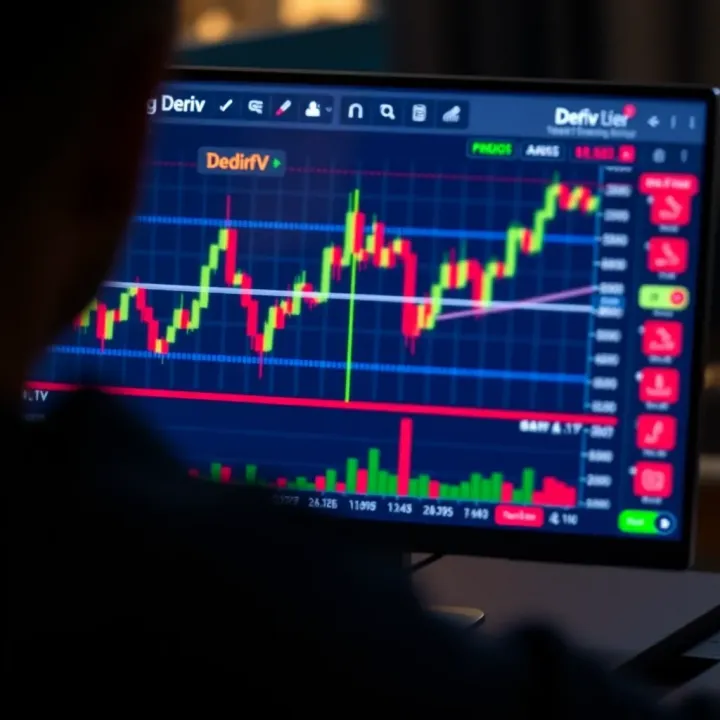
Using Deriv on TradingView for Smarter Trading
📈 Learn how to set up Deriv data on TradingView for smarter market insights. Get practical tips and clear examples to boost your trading in South Africa today.
Edited By
Elizabeth Grant
TradingView and Deriv together offer South African traders a powerful combo for smarter trading. TradingView provides detailed charts and advanced technical analysis tools, while Deriv offers easy access to multiple financial markets on a single platform. Using TradingView's data and tools alongside Deriv’s trading execution can help you spot market trends faster and make better-informed decisions.
Many local traders struggle with integrating their analysis tools directly into their trading platform. With this pairing, you can customise your charts, set alerts, and analyse price movements on TradingView, then execute trades on Deriv without missing a beat. This setup is useful whether you trade forex, CFDs, or synthetic indices.
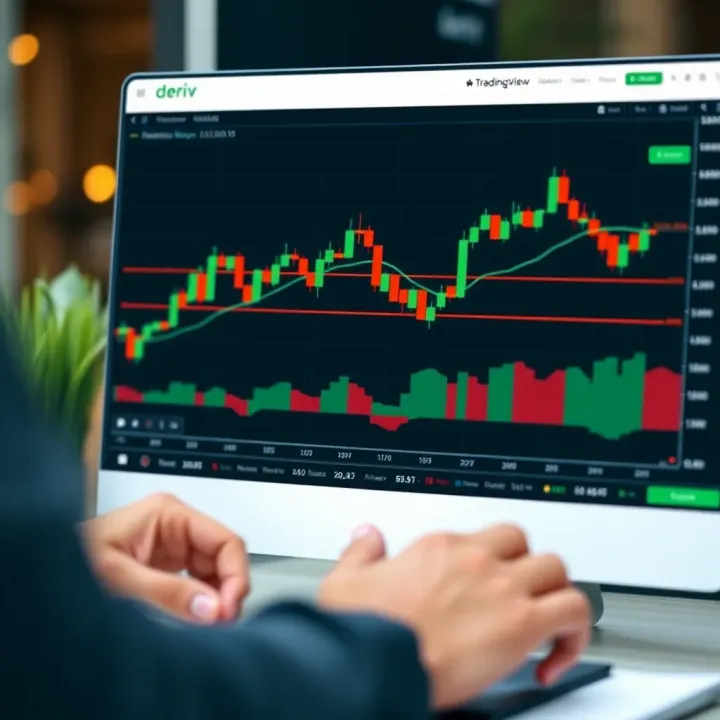
Combining the visual power of TradingView with Deriv's market access lets you approach trades with more confidence and discipline.
Here’s what you’ll gain:
Clearer market insight: TradingView's charts are highly customisable and feature indicators like RSI, Moving Averages, and MACD.
Faster trade execution: After analysing on TradingView, you can quickly switch to Deriv's platform to place your trade.
Risk management support: Use TradingView's tools to identify critical price levels and set stop-loss orders on Deriv accordingly.
In the sections ahead, we'll cover the straightforward setup process for linking TradingView analysis with Deriv, tips on interpreting key technical signals relevant to South African markets, and practical advice on managing your trades wisely.
Together, these platforms can give you an edge without overcomplicating your workflow. Whether you’re a seasoned trader or just started, the right setup helps sharpen your strategies and limits guesswork.
Understanding both Deriv and TradingView is essential for traders who want to blend robust market analysis with effective execution. Deriv serves as a versatile trading platform offering a range of accessible products, while TradingView excels in delivering advanced charting and technical analysis tools. Knowing their specifics enables traders in South Africa to make informed decisions and fine-tune strategies.
Product types offered by Deriv: Deriv caters to various trader preferences by providing contract for difference (CFD) options, forex pairs, synthetic indices, and commodities. For example, its synthetic indices simulate real market behaviour 24/7, which is handy when actual markets like the Johannesburg Stock Exchange (JSE) are closed. This variety enables traders to diversify without juggling multiple accounts or providers.
Account setup and verification process: Opening an account with Deriv is relatively straightforward but requires identity verification to comply with financial regulations. South African users must submit documents aligned with FICA (Financial Intelligence Centre Act) standards, such as valid ID and proof of address. This process ensures faster withdrawals and smooth trading access, avoiding delays caused by unverified profiles.
Trading instruments available in South Africa: Within South Africa, Deriv provides localised access to popular forex pairs (like USD/ZAR and EUR/ZAR), commodities such as gold and crude oil, plus digital options. Such instruments give traders exposure to global market trends and the local economic environment. For instance, trading the USD/ZAR pair allows hedging against currency risk linked to import and export activities.
Chart types and tools available: TradingView offers various chart formats—candlestick, bar, line, and Renko—each helping traders spot trends and reversals differently. Beyond basic charts, it comes with over 100 built-in technical indicators and drawing tools; think moving averages, Bollinger Bands, Fibonacci retracements, and trendlines. Combining these tools lets traders build custom views tailored to their strategy.
Community and shared trading ideas: One standout aspect is TradingView’s active community where users post chart setups, trade ideas, and market insights. This peer sharing gives you a chance to discover fresh perspectives or validate your analysis. For example, following a well-regarded analyst’s technical breakdown of the Gold/USD pair can help you gauge market sentiment.
Custom indicators and alerts: TradingView lets traders create or apply bespoke indicators using its Pine Script language. These can flag conditions specific to your approach, such as crossing moving averages or breakout levels. Alerts notify users the moment setups occur, saving you from staring at screens all day. This feature is particularly useful for day traders who need to act swiftly without missing key opportunities.
Getting to grips with Deriv and TradingView individually builds a foundation to later combine them for smarter trading. Each platform plays a complementary role—Deriv for execution, TradingView for insight.
This overview prepares South African traders to use these platforms more effectively, adapting to local market realities while employing global tools. The next step will focus on linking these two platforms seamlessly to enhance your trading edge.
Integrating TradingView with Deriv opens up a practical way for traders to combine advanced charting tools with live trading execution. This connection allows you to analyse markets using TradingView’s detailed charts and then act on those insights directly within Deriv’s platform. The benefit is a streamlined trading process that reduces the need to flip between platforms — essential when timing is sensitive in volatile markets.

Getting started with TradingView involves selecting a plan that matches your needs. For many traders, the free version offers plenty of basic tools and alerts to begin technical analysis. However, upgrading to a Pro or Pro+ plan might be better if you require multiple chart layouts or custom indicators, especially if your trading style demands more detailed data. Registration is straightforward: just use your email or social media accounts to sign up. This step means you can save your chart setups and access them on different devices later on.
Once registered, knowing the layout helps you get your bearings quickly. TradingView’s home screen displays the latest market trends and popular charts, a good starting point if you’re exploring. The charting section, accessible via the main menu, is where you spend most time plotting. Beginners should take a moment to familiarise themselves with key features like the Toolbar, where you add indicators or draw trendlines. Getting comfortable here ensures you won’t miss signals when markets move.
There isn’t a direct API link between TradingView and Deriv that allows automatic execution of trades from TradingView itself. Still, you can integrate them in ways that enhance your trading workflow. One common approach is using TradingView widgets—embedded charts that provide live data you can view while logged into Deriv. This setup helps you monitor price action on TradingView while placing orders on Deriv more precisely.
Deriv’s website and platform support embedding TradingView widgets, which display live or delayed prices and indicator overlays. This feature means you can have interactive charts alongside your trading interface without running two applications separately. For instance, while watching a currency pair’s momentum shift on TradingView’s charts, you can quickly set or adjust trades on Deriv based on those observations, creating a smoother decision path.
Because automatic trade execution isn’t possible via TradingView on Deriv, manual syncing becomes necessary. This involves reviewing signals on TradingView and then replicating trade entries, stop-loss, or take-profit levels manually on Deriv. It is good practice to frequently refresh TradingView charts and ensure the data on Deriv matches before confirming trades, especially during active sessions. This vigilance helps avoid trades based on lagging information or discrepancies in price feeds.
The collaboration between TradingView and Deriv is about complementing each other: detailed analysis on TradingView, execution on Deriv, combined with careful manual coordination to maximise trading results.
Linking these platforms doesn’t just save time; it can improve your control over trades and reduce the chance of missed opportunities or errors from switching contexts. For South African traders dealing with spotty internet or data restrictions, having efficient setups like widgets and manual syncs keeps trading sharp and responsive without extra costs or software complications.
Using TradingView for technical analysis on Deriv brings more precision and confidence to your trades, especially given how volatile online trading can be. By analysing price movements, trends, and market signals with TradingView’s rich charting tools, you can make smarter decisions on when to enter or exit trades on Deriv. This is particularly handy for South African traders who juggle local market conditions, data costs, and often tight risk margins.
Momentum and trend indicators help you understand the general direction of the market. Popular choices include the Moving Average Convergence Divergence (MACD) and the Relative Strength Index (RSI). For example, the MACD shows the difference between short- and long-term moving averages, giving a clear signal of momentum shifts which could indicate buying or selling opportunities. If the MACD line crosses above the signal line, it might mean prices are gaining strength – a potentially good time to buy on Deriv.
Volume and volatility indicators add another layer of insight by showing how active the market is and how much price swings. Volume indicators like On-Balance Volume (OBV) help confirm trends; if volume rises along with price, the move is more likely genuine. Meanwhile, volatility tools such as the Average True Range (ATR) tell you how much prices fluctuate. In South African markets, where overnight events can cause sharp price changes, knowing volatility helps in setting stop-loss levels that avoid premature triggers.
Combining these indicators tends to improve accuracy. For instance, pairing RSI with Bollinger Bands can flag overbought or oversold conditions with extra confidence. If the RSI shows oversold levels and prices touch the lower Bollinger Band, it could be a stronger buy signal. This blend reduces false alerts and helps tailor your trading system on Deriv to better fit your style and risk appetite.
Candlestick patterns are a quick way to spot potential price reversals or continuations, which is useful for short-term trades on Deriv. Patterns like the Doji or Hammer tell you when buyers or sellers are losing or gaining control. For example, after a downtrend, a Hammer candlestick suggests that buyers are stepping in, hinting at a possible upward bounce.
Support and resistance levels act like invisible floors and ceilings for price action. Identifying these on TradingView helps you predict where prices might stall or turn. For instance, if a currency pair on Deriv keeps hitting R15 but fails to break higher, that’s a resistance level. Traders often place sell orders near resistance and buy orders near support to improve their timing.
Using alerts on TradingView means you won't miss key market moves. You can set alerts for indicator crosses, price levels, or specific patterns, ensuring you get notified to act swiftly on Deriv.
Alerts help to time entries and exits accurately, especially when you can’t watch the screen all day. For example, if you set an alert for when the RSI drops below 30 (indicating oversold conditions), you get a prompt to check if it’s a good moment to buy. This can be made more effective by linking these alerts to your trading plan on Deriv, helping you avoid guesswork and emotional decision-making.
Together, these tools on TradingView allow you to develop a clear, actionable view of the markets you trade via Deriv, helping you trade smarter and protect your funds better.
Managing risk and fine-tuning your trading strategies are key elements for any serious trader using TradingView and Deriv. These platforms offer useful tools that help you limit possible losses while identifying better entry and exit points. Because trading, particularly in volatile markets, can swing wildly, fitting a solid risk management framework to your strategy is not negotiable.
Calculating sensible risk thresholds is the first step in protecting your capital. It means setting stop-loss orders at levels where you can accept a loss without it eating too much into your trading account. For example, if your trading account on Deriv is R10,000 and you decide to risk only 2% per trade, your stop-loss should be placed where a loss would not exceed R200. TradingView’s chart tools allow you to visually estimate support and resistance points that help in placing these stop-losses effectively.
Adjusting orders dynamically with market changes is equally important. Markets rarely behave how you predict. Suppose an asset you’re trading suddenly hits a strong resistance level earlier than expected. You can tighten your stop-loss on Deriv to lock in profits or reduce potential losses. TradingView’s alert system helps you stay on top of sudden moves, so you can change your stop-loss or take-profit orders as market conditions fluctuate.
Using historical data to validate trading plans lets you test how a particular strategy might have performed in the past. TradingView offers extensive historical charts which you can use to simulate trades based on your chosen indicators or signals. For instance, backtesting a momentum strategy on the JSE 40 index over the last year can reveal patterns about when certain signals produce profitable trades versus false alarms.
Refining approaches based on past results follows naturally. After backtesting, analyse which trades yielded the best outcomes and which did not. You might find that combining moving averages with RSI improved accuracy, while relying on a single indicator led to frequent whipsaws. TradingView’s scripting tools allow you to tweak the conditions and run multiple tests, helping you evolve a more reliable strategy before risking real funds on Deriv.
Proper risk management and strategy optimisation aren’t luxuries; they safeguard your investment and sharpen your trading edge, especially when combining the strengths of TradingView and Deriv.
By approaching risk deliberately and refining your trades with real data, you increase your chances of consistent success in South Africa’s trading environment.
South African traders face unique challenges and opportunities when using platforms like Deriv and TradingView. Understanding local conditions, like data costs and legal requirements, can mean the difference between a frustrating experience and a smooth, profitable one. This section covers practical advice to manage these factors effectively while navigating the local trading environment.
Many parts of South Africa still suffer from slow or inconsistent internet connections, especially outside major urban hubs. TradingView’s real-time charts and Deriv's trading interfaces can consume significant data, making it important to optimise settings to avoid excessive costs. Lowering chart update frequency, disabling non-essential animations, and limiting indicators on charts can reduce data load and help maintain smooth performance despite slower networks. For example, switching from 1-minute to 5-minute chart intervals can cut data use substantially without severely affecting analysis quality.
Mobile data remains a critical resource for traders who rely on smartphones or tablets. Using Wi-Fi when possible is ideal, but when you're on mobile data, plan your trading sessions to limit unnecessary browsing or app switching. Most South African mobile providers offer data cap tools—use these to keep track of usage and avoid surprise bills. Also, consider preloading charts or analyses while connected to Wi-Fi for offline review. Apps like Vodacom's My Vodacom App or MTN Business App let you monitor and manage data efficiently, which adds control.
South African financial law requires all brokers, including Deriv, to follow the Financial Intelligence Centre Act (FICA). This means traders must complete Know Your Customer (KYC) identity verification before they can deposit or withdraw funds. South African traders should be ready to provide official ID documents, proof of address, and sometimes a selfie for biometric confirmation. This process helps prevent fraud but can trip up new traders if they’re unaware, delaying their access to funds or trading features.
Tax implications on trading profits must also not be overlooked. SARS treats profits from trading as taxable income, so keeping detailed records of all trades and revenues is wise. Even occasional traders are expected to declare these earnings during annual tax returns. Some traders register as sole proprietors or businesses, allowing for certain expense deductions like data costs and related subscriptions. Consulting a tax advisor familiar with financial instruments and online trading in South Africa is a smart move for accurate compliance and maximising net returns.
Being aware of local data realities and legal obligations not only safeguards your investment but also builds a foundation for sustainable trading using Deriv and TradingView.
These considerations, while sometimes overlooked, play a crucial role in creating a reliable and cost-effective trading routine within South Africa’s evolving financial landscape.
📈 Learn how to set up Deriv data on TradingView for smarter market insights. Get practical tips and clear examples to boost your trading in South Africa today.

📈 Boost your Binary.com trading with TradingView’s charts and tools for smarter decisions. Practical tips and risk management advice for South African traders.

💻 Learn how to download, install, and safely use the Deriv app on your PC with practical steps and alternatives. Perfect for South African traders seeking smart, local tips! 🇿🇦

📊 Understand how Deriv and TradingView offer South African traders smart tools for charting, analysis & trading to boost skill and sharpen strategies.
Based on 12 reviews